
quick
mobile app
rEMMITANCE
How to Register?

STEP 1
Click "NEW REGISTRATION"
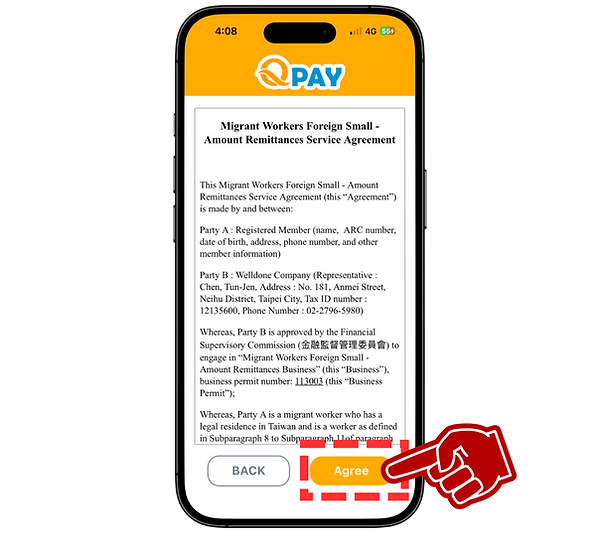
STEP 2
Click "AGREE" after you read the policy

STEP 3
Upload ARC and selfie photos
Click "NEXT STEP"
STEP 4
Fill up your information
Click "SUBMIT"


STEP 5
Fill up your mobile number
Sign your name
Click "NEXT STEP"
STEP 6
Enter verification code that sent via SMS
Click "CONFIRM"
and create a NEW PASSWORD


STEP 7
Back to login page, you can login the APP
(New register account will be activated within 48hrs)


☑ Requirements
ARC photo
The submitted photograph must present a ARC card. The image must be clear, sharp, and entirely free of blur, pixelation, or any visual distortion.
Selfie photo
Please take a selfie with your entire face clearly visible (no mask or mouth covering).
Signature
Please sign with your full name.
Mobile number
Please enter the mobile number you're currently using; we'll send a verification code via SMS to it.